
IPv6 Leaks Through VPN: How to Check and Fix the Problem in 2026
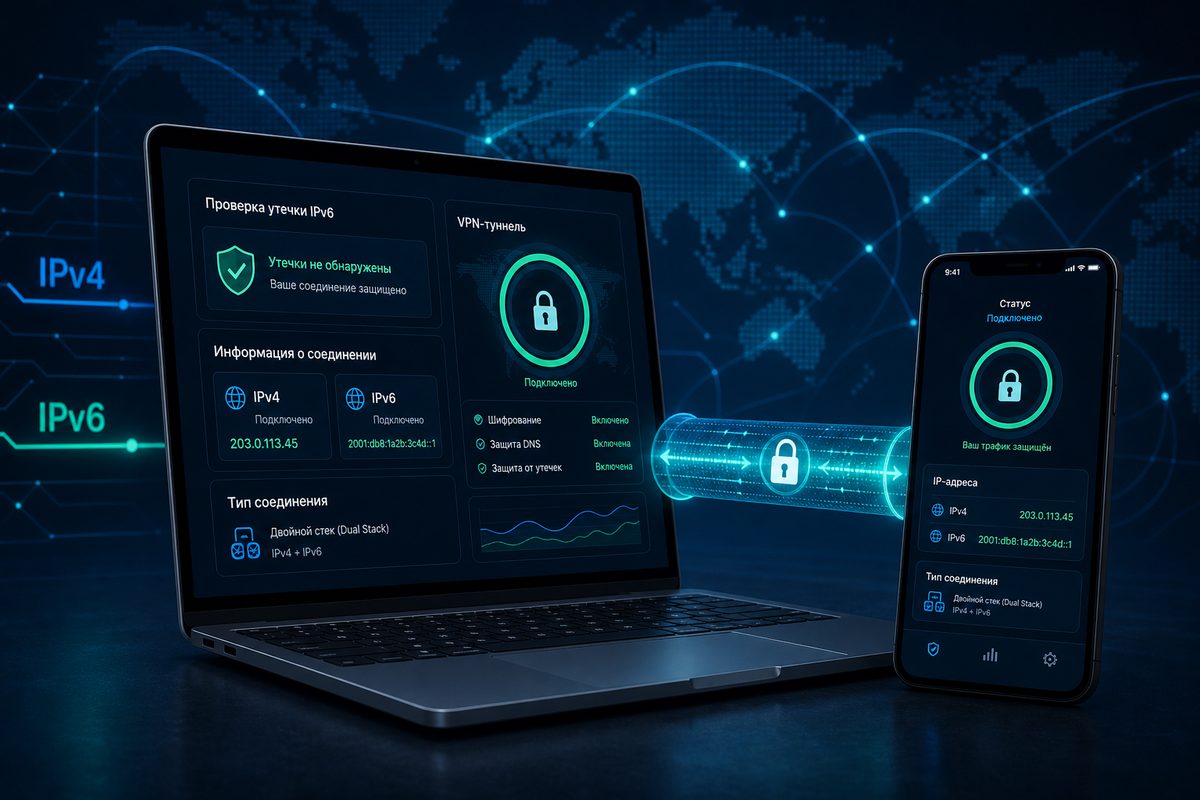
If your VPN is on but websites still see your real IPv6 address, the issue is rarely "magic blocking" — it's routing: IPv4 goes through the tunnel while IPv6 leaves directly through your ISP. Below is a calm 2026 checklist: how to tell whether a leak exists, why it appears on your phone, laptop or router, and which safe settings to verify without sketchy workarounds.
This guide is useful for FoliVPN users who want more than just "connected/not connected" — they want predictable privacy: so that DNS, WebRTC and IPv6 don't live a separate life from the VPN profile.
Why IPv6 Leaks Have Become More Visible
IPv6 can no longer be considered exotic. In Russian-language ExpressVPN documentation, Google's statistics are cited: about 47% of Google users worldwide connect via IPv6. That doesn't mean every home has "clean IPv6," but it does mean something else: more and more ISPs, mobile networks, OSes and browsers operate in dual-stack mode — both IPv4 and IPv6 at the same time.
In a dual-stack scenario, the device picks the appropriate protocol automatically. If the VPN client is configured for IPv4 only, an unpleasant imbalance appears: familiar sites may open through the IPv4 tunnel, while some requests to IPv6 addresses go through the regular ISP connection. From the outside it looks like the VPN is on, the icon is glowing, but a leak test shows your real IPv6.
Top10VPN describes this as one type of VPN leak: part of the traffic travels outside the encrypted tunnel and can expose your IP, DNS queries or location. In their study of free Android VPNs, IPv6 leaks were more common than IPv4 leaks; the specific percentages apply to their sample, so treat them as a risk indicator rather than universal statistics for every service.
What Exactly Can "Leak"
An IPv6 leak is not the only scenario. In practice users see a single symptom: a website, tester or login service shows the wrong address. But the causes can vary.
| Leak Type | What's Visible Externally | Common Cause | What to Check First |
|---|---|---|---|
| IPv6 leak | Real ISP IPv6 | VPN tunnels IPv4 but not IPv6 | IPv6 support in client, route all traffic, block IPv6 |
| DNS leak | ISP DNS server or third-party DNS | DNS queries go outside the tunnel | DNS in VPN app, Private DNS, system profiles |
| WebRTC leak | Local or public IP in browser | WebRTC in Chrome/Firefox/other browser | WebRTC test, browser settings, extensions |
| Split tunneling leak | One app outside VPN | Exclusion rules or per-app VPN | App list, "selected only" mode |
| Router leak | Home devices take different routes | WAN6 is active, VPN policy is IPv4-only | IPv6 on router, policy-based routing, firewall |
Important: if the test shows the IP of the VPN server itself, that's not a leak. A leak is when your home or mobile address — the one you had before connecting — is visible.
Quick 5-Minute Check
Don't start by reinstalling the app. First, pin down what is actually happening.
- Disable the VPN and open any IP leak test: for example, the vpnMentor tool checks public IP, WebRTC and IPv6. Note whether you see an IPv6 address.
- Turn the VPN on and repeat the test in the same browser.
- Compare the results: IPv4 should change to the VPN address; IPv6 should either also be a VPN address or not be detected at all.
- Repeat the test in another browser: Chrome/Edge and Firefox may behave differently because of WebRTC.
- Repeat the test in the app or site that caused the problem: YouTube, Telegram Web, Discord, a work portal, your bank.
- Check your mobile network separately from Wi‑Fi. IPv6 may be active on LTE/5G but not on home Wi‑Fi, or vice versa.
If the VPN is on and the test shows only the VPN server's IPv4 and no real IPv6, there's nothing urgent to fix. But if your home IPv6 is visible, move on to the diagnostics below.
Scenario 1: The VPN Client Doesn't Support IPv6
The simplest case: the service or app deliberately works with IPv4 only. That's not always bad. Some VPN providers don't offer a full IPv6 tunnel but block IPv6 traffic at the client level so it can't leak out. ExpressVPN, for example, explicitly states it does not support IPv6 but disables IPv6 traffic in its Windows, Mac and Linux apps to protect against leaks.
The problem starts when the client neither supports IPv6 nor blocks it. Then the browser or app receives an IPv6 route from the ISP and uses it in parallel.
What to check:
- whether the app has "IPv6 leak protection," "Block IPv6," or "Prevent leaks" settings;
- whether the kill switch is enabled — but don't rely on it alone: a kill switch doesn't always cover every network switch scenario;
- whether you're using a third-party VPN profile without a system client, where IPv6 blocking isn't configured;
- whether split tunneling mode is enabled that excludes the browser or a specific app.
For FoliVPN the logic is simple: when configuring a profile in the app, first achieve a stable baseline of "all traffic through VPN," and only then add exceptions. For more on routing rules, see the companion article on VPN split tunneling.
Scenario 2: WebRTC Reveals an IP in the Browser
WebRTC is needed for video calls, voice chats and peer-to-peer scenarios. vpnMentor describes WebRTC as a technology for direct communication between browsers and devices without an intermediate server. Because of this, it can expose network addresses that a normal page shouldn't see.
By 2026 most modern browsers already mask local addresses better, but the risk hasn't disappeared completely. Especially if you use an old browser, a non-standard build, aggressive extensions or corporate policies.
A practical order:
- Check WebRTC leak in the browser with VPN off/on.
- If a leak appears only in one browser, update it and temporarily disable extensions.
- In Firefox advanced options are changed via
about:config, but Mozilla warns: disabling some network and security features can weaken your security. Don't blindly copy random lists of tweaks. - If you don't need video calls in the browser, you can use a browser with stricter privacy settings for sensitive tasks and keep your main one for everyday work.
- If WebRTC is needed for Discord, Google Meet or work calls, don't disable it blindly: first check whether it reveals your real public IP or only the VPN address.
If your specific pain is Discord voice, it's better to diagnose not just WebRTC but also UDP and routes. There's a separate breakdown for that: Discord RTC Connecting through VPN.
Scenario 3: Android or iPhone Behave Differently Than a Computer
On mobile devices everything is trickier because of Wi‑Fi/LTE switching, battery saving, system DNS profiles and OS privacy features.
On Android, check:
- whether Always-on VPN is enabled for the required app;
- whether "Block connections without VPN" is on, if it's available and fits your scenario;
- whether Private DNS is interfering: if a third-party DNS host is set, it can conflict with the DNS inside the VPN;
- whether the system kills the VPN client in the background due to battery saving;
- whether the result changes on Wi‑Fi vs mobile network.
On iPhone, check:
- whether the right VPN profile is active and not an old profile from another service;
- whether Private Relay, a corporate MDM profile or a content filter is also enabled;
- whether the leak repeats in Safari and in another browser;
- whether the network restricts UDP or non-standard routes.
If the tests reveal not an IPv6 issue but a DNS conflict, use the checklist from Private DNS interferes with VPN. That covers a different angle: not "the address leaked" but "site names are resolved in the wrong place."
Scenario 4: VPN on the Router, but IPv6 Lives Through WAN6
Router-based setups are convenient: one profile protects the TV, set-top box, laptops and phones. But it's on the router that a "half-tunnel" most often appears: the IPv4 route is sent into the VPN, while the IPv6 prefix continues to be handed out to home devices by the ISP.
In OpenWrt and similar systems this is especially obvious with policy-based routing. In OpenWrt packages issue #21218 a user describes a situation where IPv4 over WireGuard/PBR works, but the IPv6 table doesn't get a proper default route through the VPN. This isn't a universal OpenWrt bug but a good example of the problem class: IPv4 and IPv6 must be checked separately.
A safe router checklist:
- check whether the router hands out an IPv6 prefix to the LAN;
- verify that the VPN interface has a default IPv6 route;
- if the VPN doesn't support IPv6, decide: block IPv6 for clients behind the VPN, or keep it only for devices outside the VPN;
- don't mix "the whole house through VP
Use the smallest safe checklist
Open Foli, refresh the subscription and test one network and one route before changing everything.