
VPN Shows a CAPTCHA: Why Sites Ask 'Prove You're Human' and What to Do in 2026
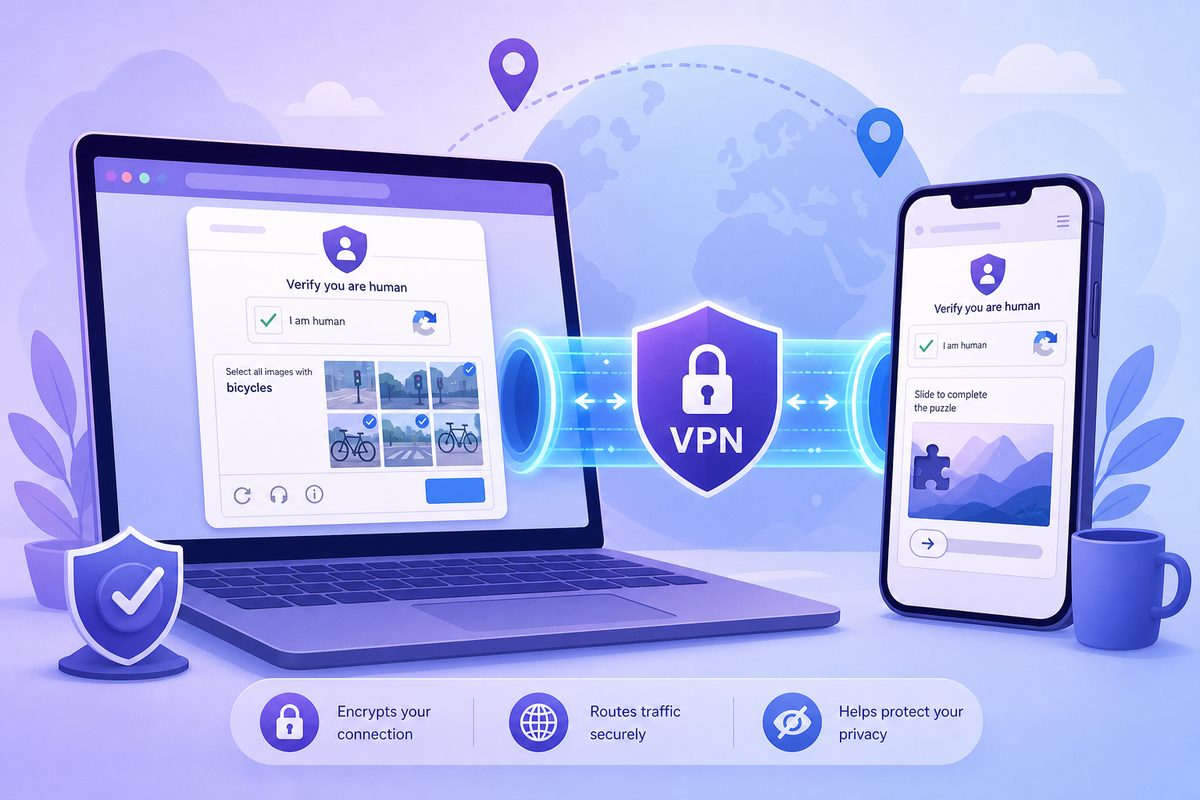
If your VPN keeps triggering CAPTCHAs, it doesn't necessarily mean the service is broken or that the site is deliberately blocking you. More often, the site sees a shared VPN IP, a poor address reputation, conflicting browser signals, or too many requests coming from a single network. Below is a safe diagnostic flow — no security bypasses, no CAPTCHA automation, no shady instructions.
Short answer: why CAPTCHAs appear with a VPN
Websites use anti-bot checks to tell humans apart from automated traffic. A VPN changes your visible IP address and sometimes routes many users through a single shared address. To the site's defenses, this can look like a surge of requests from one network.
Google explicitly states that a 'suspicious traffic' notice can appear when automated traffic is coming to Search from your network — 'for example, a VPN.' Cloudflare's documentation describes its Challenge Platform and Turnstile as visitor verification mechanisms; and Cloudflare's WAF tools include managed lists of known open proxies, anonymizers, VPNs and Tor nodes. This doesn't mean any VPN is 'bad,' but it explains why a particular server may face extra checks more often.
Important: the user's goal isn't to 'bypass the CAPTCHA' — it's to restore normal access and reduce false positives. Don't use bots, auto-solve CAPTCHA extensions or bypass scripts: these may violate site rules and damage your IP's reputation.
When it's normal, and when something is off
A one-time check when entering a large site is routine. It's suspicious if:
- a CAPTCHA appears on every site and never passes;
- Cloudflare's 'Checking if the site connection is secure' screen spins forever;
- Google constantly reports suspicious / unusual traffic;
- the CAPTCHA shows up only on one VPN server and disappears on another;
- the check passes in one browser but breaks in another;
- on your phone everything opens, but on your PC with the same VPN it doesn't.
This pattern usually points not to a single cause but to a combination of IP reputation, cookies, DNS, extensions, system time, and the specific site's policy.
Table of causes: what the site sees and what to check
| Symptom | Likely cause | Safe action |
|---|---|---|
| CAPTCHA only on one VPN server | IP fell into a risk segment or the shared address is overloaded | Switch server/location, wait, don't spam refreshes |
| Google reports suspicious traffic | Many requests from one IP or similar automated patterns | Pass the reCAPTCHA, switch server, check search extensions |
| Cloudflare checks endlessly | Browser blocks JS/cookies, outdated browser, aggressive anti-tracker | Update browser, allow cookies/JS for the site, check extensions |
| CAPTCHA only in Chrome | Secure DNS, extensions, WebRTC/QUIC or browser profile | Test in a clean profile; see the guide on VPN in Chrome |
| CAPTCHA only on mobile network | Carrier NAT, Private DNS, unstable route | Compare Wi-Fi/LTE; see VPN on mobile internet |
| Sites see the 'wrong region' and demand verification | IP geo database, GPS, cookies from old location | Clear site cookies, check region; see VPN doesn't change geolocation |
Step-by-step diagnostics without risky workarounds
1. Switch the server — but don't do it chaotically
If the CAPTCHA started suddenly, first switch to another server in the same country or a neighboring location. Don't refresh the page dozens of times in a row: to anti-bot systems, this can look like even more suspicious behavior.
A good test: open the same site in three modes — without a VPN, through your current server, and through another server. If the problem appears only on one VPN IP, it's most likely the address's reputation or load. If the problem persists without a VPN, look for the cause in the browser, device, or the site itself.
For a stable connection, you can start from the main FoliVPN landing page and pick a server for your specific scenario: browsing, video, messengers, or working with personal accounts.
2. Check the browser: cookies, JavaScript, extensions
Cloudflare Challenges and Turnstile rely on the browser working correctly. If an extension blocks scripts, cookies, fingerprinting signals or cross-site requests too aggressively, the check may never finish.
Run a safe test:
- Open the site in a private window.
- Temporarily disable blocking extensions just for this site.
- Make sure JavaScript and cookies are enabled.
- Update your browser to the current version.
- Check the same site in another browser.
If the CAPTCHA passes in a clean profile, the issue is almost certainly in your browser settings or extensions, not the VPN itself.
3. Don't mix VPN, proxy and 'accelerators'
Many users simultaneously enable a VPN app, a browser proxy, a DNS extension, an anti-tracker and a 'video accelerator.' For the site, this creates a contradictory set of signals: IP from one country, DNS from another, browser language a third, cookies from an old session.
Keep only one network layer. If you need a system-wide VPN, turn off the proxy extension. If Private DNS or Secure DNS is on, test the site with default settings. For Chrome-specific nuances, see the article on VPN not working in Chrome.
4. Clear cookies only for the problem site
You don't have to wipe the whole browser. Often it's enough to delete cookies and site data for a specific domain. This helps if the site has tied your old session to a different location, a blocked IP or a failed check.
After clearing:
- connect to the VPN server in advance;
- open the site in a new tab;
- sign in calmly, without frequent reloads;
- if the site offers an official reCAPTCHA check, pass it manually.
5. Check the device's time, language and region
Anti-bot systems don't reveal all their signals, but basic consistency of the environment matters. If system time is far off, the browser hasn't been updated in ages, and the site's region keeps changing every few minutes, the chance of extra checks goes up.
On iPhone and Android, enable automatic date and time. On a laptop, verify the time zone. If the problem occurs specifically on iPhone, it's worth running a separate checklist: VPN on iPhone not working.
What not to do
Don't search for 'Cloudflare bypass' or 'auto-solve CAPTCHA.' Such methods often violate site rules, can get your account banned, and are frequently distributed through shady extensions. On top of that, CAPTCHA automation can hurt the IP reputation for everyone sharing the same VPN server.
Also, don't immediately disable all browser protection permanently. If a check breaks because of an extension, it's better to add an exception for the specific site or use a separate profile for work services.
A practical 7-minute checklist
- Test the site without a VPN: does the problem stay or disappear?
- Switch the VPN server once, without a series of rapid reloads.
- Open the site in a private window or a clean profile.
- Temporarily disable script blockers for that domain.
- Delete cookies only for the problem site.
- Turn off any extra proxy / Secure DNS / Private DNS during the test.
- Update the browser and verify automatic device time.
- If the CAPTCHA is official, solve it manually — don't use auto-solvers.
How to pick a VPN server to reduce CAPTCHAs
There's no such thing as a guaranteed 'CAPTCHA-free server' — the decision is made by each specific site. But you can lower the risk:
- pick a server closer to your real region unless you need a different one;
- don't hop between countries within a single account session;
- for banks, online stores and personal accounts, stick to a stable location;
- when searching and browsing, don't fire off dozens of identical requests in a row;
- if the service supports different protocols, compare stability — but don't change everything at once.
If a site blocks all VPN addresses, the correct option is to sign in officially without a VPN or contact the site's support. A VPN is meant for privacy and a stable route, not for breaking a platform's rules.
FAQ
Why does Google ask for a CAPTCHA when my VPN is on?
Google explains this as suspicious or automated traffic from the network you're using, including a VPN. If many users exit through the same IP, or someone on that address is generating suspicious activity, regular people will see the check too.
Does a Cloudflare CAPTCHA mean the site has blocked my VPN?
Not necessarily. A Cloudflare Challenge can be an intermediate verification rather than a full block. But if the site owner has configured strict
Use the smallest safe checklist
Open Foli, refresh the subscription and test one network and one route before changing everything.